The SimONE Experience in 3 Steps
1
Request a Session
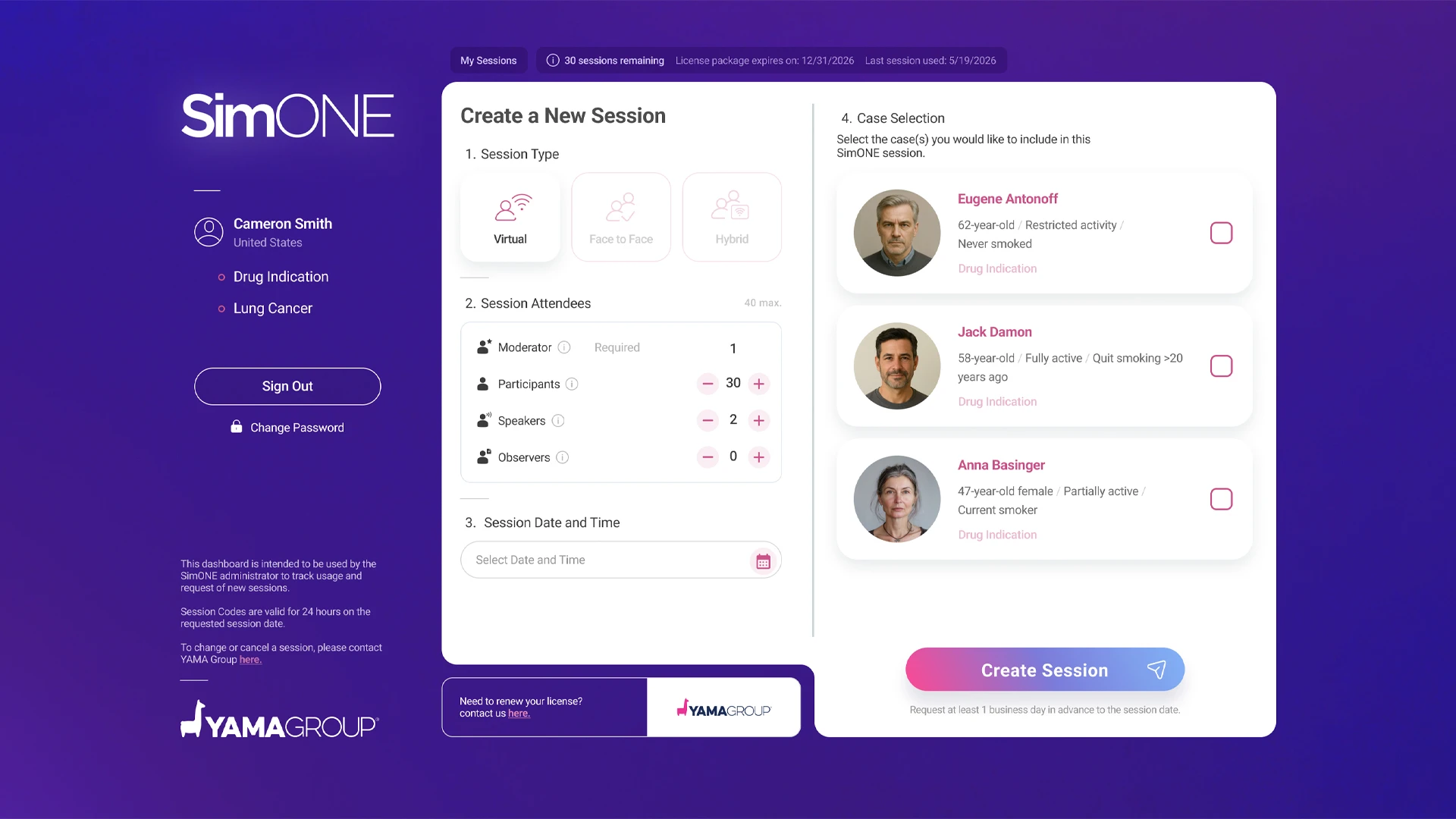
Start by requesting your session through the SimONE Dashboard.
Define:
- Meeting details
- Session format
- Case(s) selected for your audience
Request your session at least 24 hours in advance.
A confirmation email containing your session codes will be sent within a few minutes of submitting your request. If you do not receive the email, please check your spam or junk folder. For additional assistance, contact us at: simone_dashboard@yamagroup.com
A confirmation email containing your session codes will be sent within a few minutes of submitting your request. If you do not receive the email, please check your spam or junk folder. For additional assistance, contact us at: simone_dashboard@yamagroup.com
2
Send Invitations
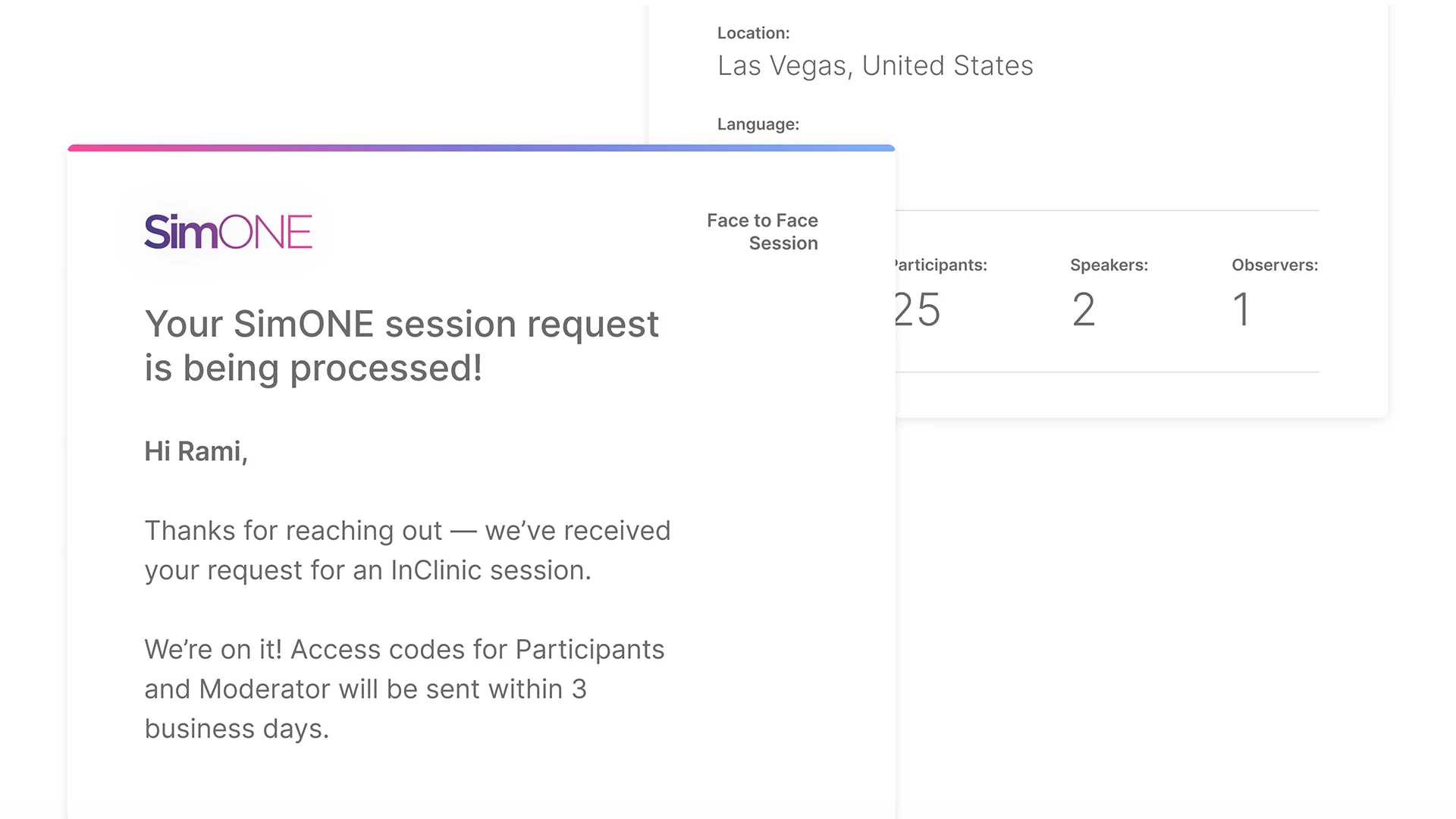
After requesting the session, you will receive two emails:
- Session Codes Confirmation Email: Contains session details and access codes for the Moderator, Participant, Observer, and Speaker.
- Participant Invitation Email: A branded and personalized invitation per session, including the participant access codes ready to forward.
Instruction: Simply forward the branded email invitation to
your
participants and share the appropriate access codes with users according to their assigned
roles.
3
Connect
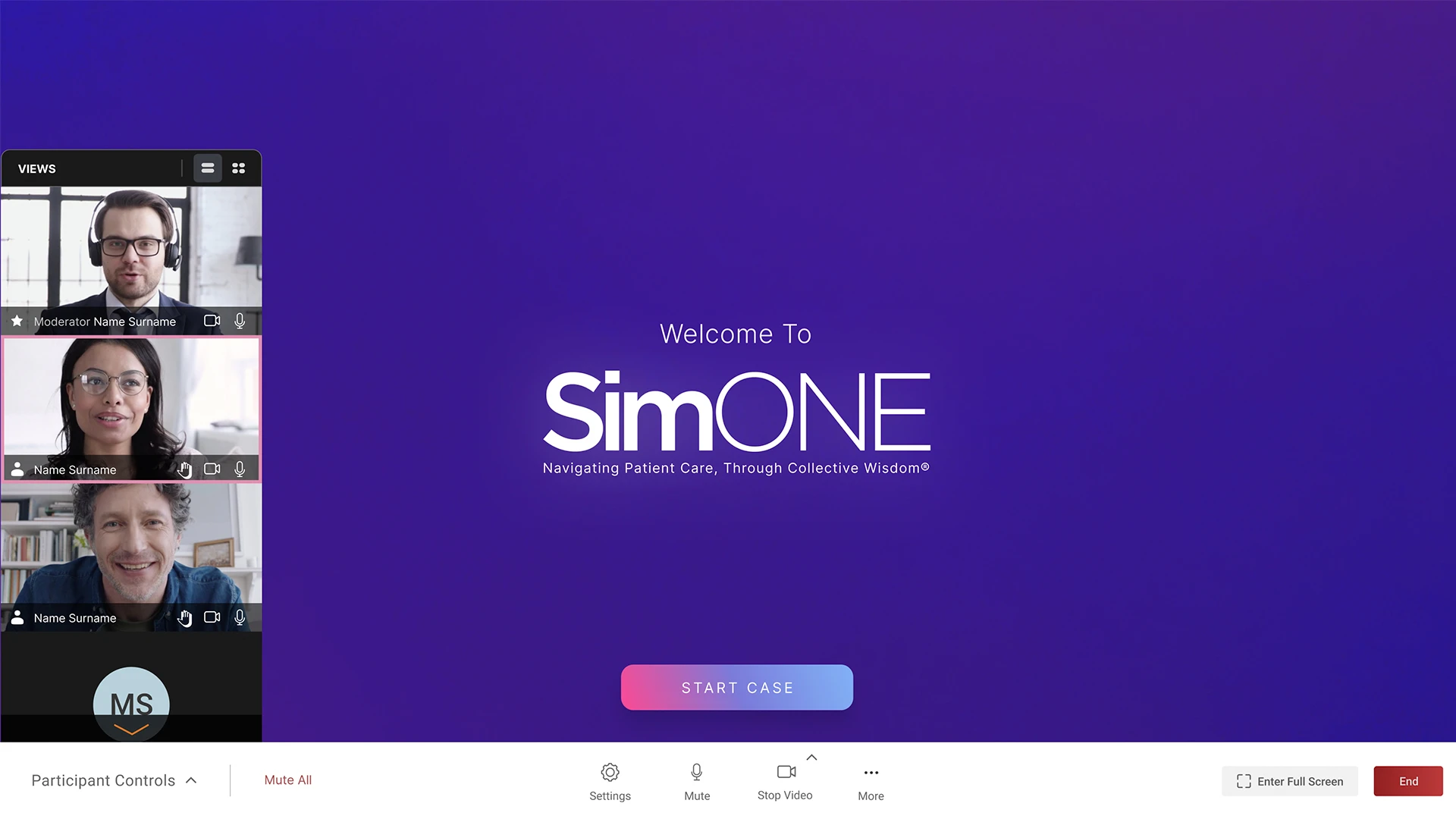
- Attendees join using their assigned code.
- Log in, select the case, and get ready to experience it together.
Want to review the case before the session day?
You can! Moderators can preview the case before the session using their codes. On the day of the event, the case will start fresh for the live session.
You can! Moderators can preview the case before the session using their codes. On the day of the event, the case will start fresh for the live session.